Author a multi-level Bill of Materials and a Bill of Resources for every product: child items and quantity-per at each level, plus the machines, labour, tools and operations that consume them. Cost it, release it, and control every later change — one engineering definition the whole shop floor runs from.
Every manufactured item earns one engineering definition — material and resources together — before a single work order runs against it. New to structured bills of material? Start with our guide, bill of materials explained.
Real products aren't flat lists. An assembly is built from sub-assemblies, and those from raw material. The structural BOM explodes as an indented tree so you see the whole product at once — the finished good, every semi-finished sub-assembly, and the raw material underneath, each with its quantity-per. Turn it around and where-used shows every parent BOM a component feeds, so you know the impact of a change before you make it. That structure is what later drives the process and route sheets and material explosion for assembly work.
A bill of materials answers "what goes in". The Bill of Resources answers "what does it take" — the machines, labour, tools and operations each level of the product consumes. Every resource ties to your resource master by category, type and group, so the same CNC line or assembly bench is costed and referenced consistently across every product that uses it. This is the definition the shop floor draws on when it issues material and books WIP against a work order.
A master BOM covers the standard product; a make-to-order job often needs its own. Fast Production lets you raise an order-specific BOM against a customer order so a one-off variant carries its own bill. Each position is flagged make or buy — make items become sub-assemblies to manufacture, buy items become procurement demand. Then costing rolls material cost from the positions plus resource and process cost into an estimated unit cost, feeding planning and MRP and giving sales a number to quote. Trends and outliers surface through Dhruv AI analytics. It's the same discipline a make-to-order plant lives on.
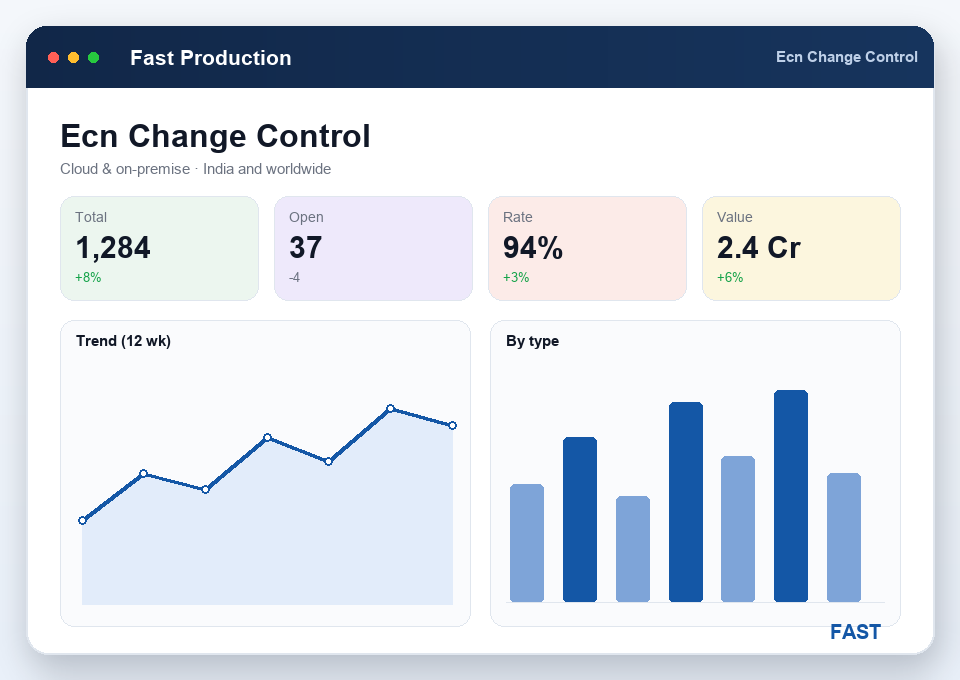
A BOM is authored in Draft (status 01) and is not usable by production until it is released to status 4. That single gate stops a work order ever exploding an unapproved or half-finished bill. Once released, changes don't happen quietly: you raise an Engineering Change (ECN) against the BOM or process, and releasing the ECN makes the revised definition active — say, moving a part from Rev-A to Rev-B. Superseded revisions stay traceable through the status history, so you can always see what the definition was when an older order ran. FG built to that definition transfers straight into inventory and quality.
Create and edit the master Bill of Materials for every manufactured item — header, positions and resources on one definition, with Excel import for large sets.
Explode the structural BOM as an indented tree from FG to raw material, and look up where-used the other way for any component before you change it.
Attach machines, labour, tools and operations per level, tied to the resource master — the "what it takes to make it" half of the definition.
Roll material cost from positions plus resource and process cost into an estimated unit cost — a number sales can quote and planning can trust.
Raise a BOM against a customer order so a make-to-order variant carries its own bill, without disturbing the standard master BOM.
Raise and release engineering changes against a released BOM, keeping superseded revisions traceable and grouping BOMs for bulk revision.
Most BOM pain isn't authoring — it's the drift between the bill on someone's desktop and the one production actually runs. Here is what changes.
A Bill of Materials (the positions in mst_BORP) describes what a product is made of — the child items, quantity-per and scrap allowance at each level. A Bill of Resources (mst_BORR, tied to mst_Resource) describes what it takes to make it — the machines, labour, tools and operations each level consumes. Fast Production authors both against one BOM header (mst_BORH), so material and resource definitions stay together for every item.
Yes. The structural BOM explodes as an indented tree from finished good through semi-finished sub-assemblies down to raw material, with quantity-per at every level. You also get where-used the other way — pick any component and see every parent BOM that consumes it. That is exactly what an assembly or sub-assembly plant needs to plan SFG-to-FG builds and kit issue.
Not until it is released. A BOM is authored in Draft (status 01) and is not usable by production until it is released to status 4. That gate stops work orders, material reservation and issue from ever running against an unapproved or half-finished definition.
BOM costing rolls up material cost from the positions (mst_BORP) plus resource and process cost from the Bill of Resources and process sheets into an estimated unit cost for the parent item. Because the roll-up follows the multi-level structure, a cost change on a raw material or an operation flows up through every sub-assembly to the finished good — and feeds planning and MRP.
Through a controlled Engineering Change (ECN). You raise a change against the released BOM or process, and releasing the ECN makes the revised definition active — for example moving a part from Rev-A to Rev-B. Superseded revisions stay traceable through the document status history, so you can always see what the definition was when an older work order ran.
Live demo on your own products — your BOM levels, your resources, your costing and change process. No generic slideshow.
